
CapCut
- Version
- 18.7.0
- Size
- 783.9 MB
- Updated
- 22 - 7 - 2026
- Requires
- Android 6.0+
- Price
- Free
📸 Screenshots
📋 Latest Version Info
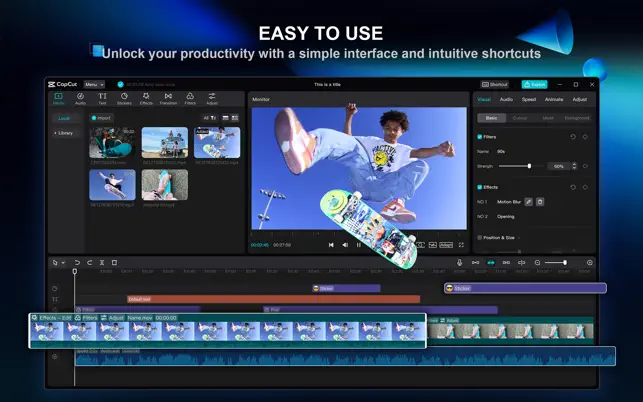
Beyond basic features like video editing, text, stickers, filters, colors, and music, CapCut offers advanced, free features such as keyframe animations, smooth slow-motion effects, green screen, Picture-in-Picture (PIP), and image stabilization to help you capture and select the perfect moment. Create amazing videos with other unique features: trending styles, auto-subtitles, text-to-speech, motion tracking, and background removal. Confidently showcase your personality and become famous on TikTok, YouTube, Instagram, WhatsApp, and Facebook!
FEATURES
Basic Video Editing
• Trim and shorten video clips, as well as split or merge videos.
• Adjust video speed from 0.1x to 100x and change the speed of the video clip as a curve.
• Use stunning zoom/zoom effects to make your videos and clips more dynamic.
• Use the reverse/rewind function to create fun videos and clips for social media.
• Use the stop-motion feature to highlight the best moments in your videos and vlogs.
• Explore transition options with cool effects at the cut-off point between multiple video segments.
Advanced Video Editor
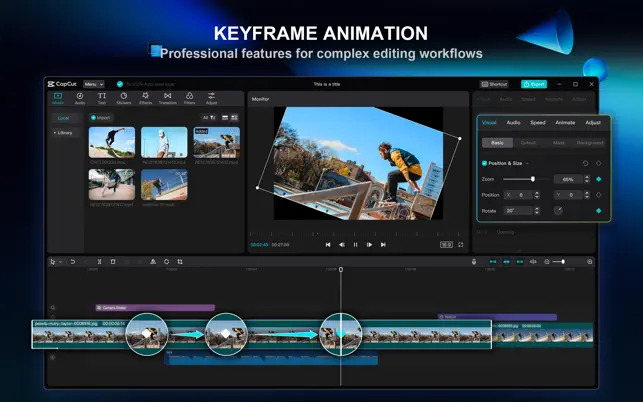
• Animated video effects are available in the keyframe across all settings.
• Edit videos to create smooth slow motion using optical flow and a curve-based video speed changer.
• Use green screen to remove specific colors from your video.
• Apply Picture-in-Picture (PIP) to add video and image layers on top of your video and easily merge these layers.
• Image stabilization keeps your recorded video stable.
📲 Similar Apps